
Free Online Tools to Organize Your Move in 2026
Packing boxes is the easy part — the real headache during a relocation is the paperwork and the chaos of half-finished checklists scattered across notebooks and group chats. Free online tools to organize your move can fix most of that mess in minutes, without installing a single app or paying for inventory software you’ll only use once.
This guide covers two browser-based tools that moving households and small offices are leaning on this year, plus a simple system for using them together so nothing gets lost between the old place and the new one.
Why Moving Paperwork Gets Out of Control
A typical household move generates a surprising pile of documents: photos of furniture for insurance, a room-by-room inventory, a packing checklist, change-of-address confirmations, and a budget spreadsheet. Most of this starts as scattered phone photos and loose text notes.
Without a system, that pile either gets lost or turns into dozens of unlabeled files nobody can find on moving day — exactly when you need them the most.
The Real Cost of a Disorganized Move
Lost inventory photos mean weaker insurance claims if something breaks in transit. Duplicate or scrambled checklists mean items get packed twice or forgotten entirely. A few minutes spent organizing files upfront saves hours of frustration during unpacking week.
Turning Inventory Photos Into One Shareable Document
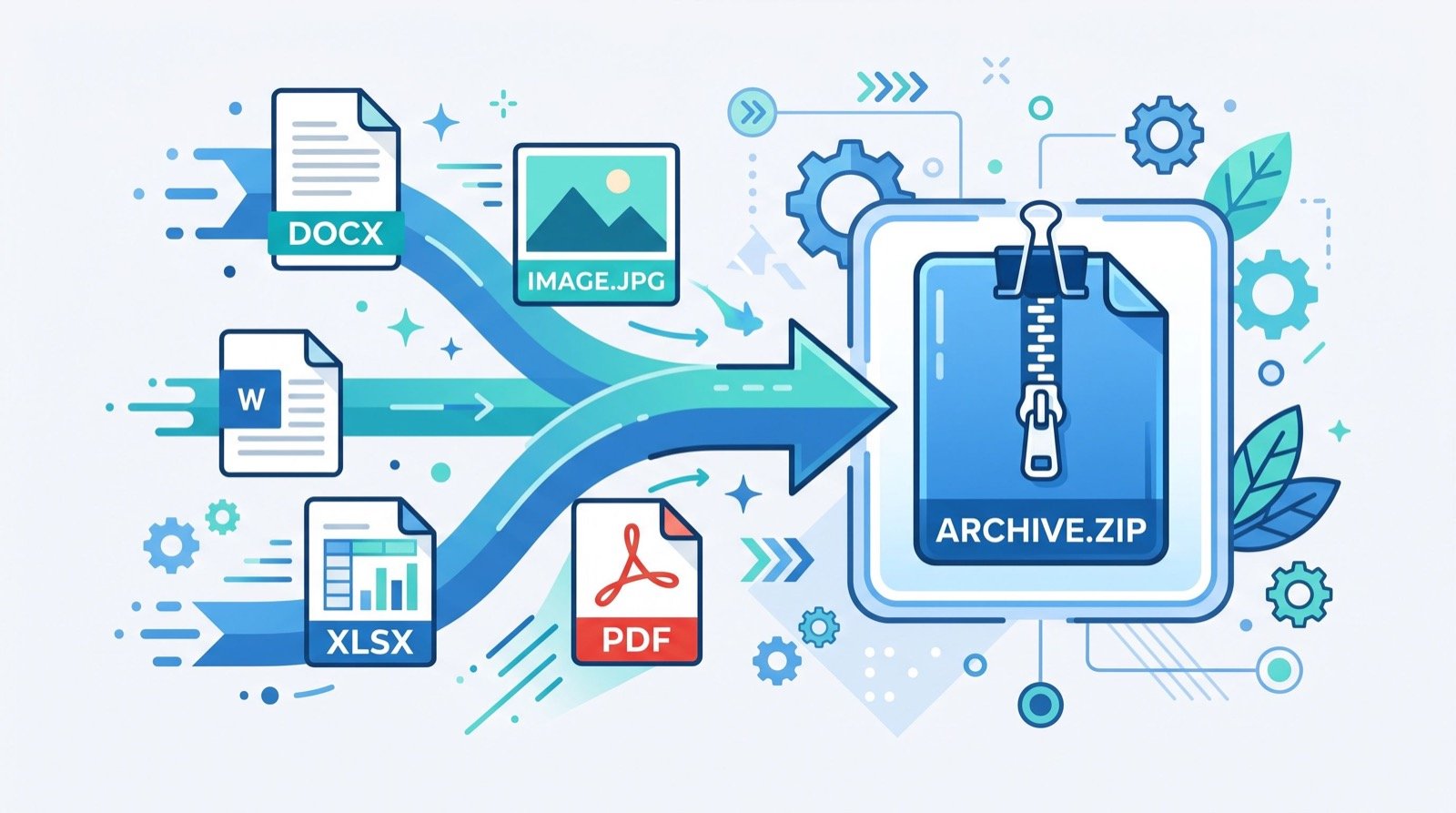
Instead of emailing a mover ten separate photos of your furniture and electronics, converting them into a single file is far cleaner. An images to PDF online free tool lets you upload every room photo and combine them into one ordered document you can send to a moving company, an insurer, or simply keep as a dated record of your belongings’ condition before the truck arrives.
This single step also makes it far easier to compare quotes — sending the same inventory PDF to multiple movers ensures everyone is pricing against the exact same list, instead of relying on verbal descriptions over the phone.
Sorting Your Packing Checklist So Nothing Gets Missed
Most people build their packing list the way they think of items — randomly, as they walk through each room. That’s fine for capturing everything, but useless for actually packing efficiently. Pasting that raw list into an online sort text lines tool alphabetizes or reorders it instantly, making duplicate entries and gaps obvious at a glance.
A Simple Room-by-Room Workflow
Sort your list by room name first, then by item, and the checklist naturally becomes a packing order: kitchen items together, bedroom items together, and so on. It takes seconds but eliminates the back-and-forth of hunting through a messy notes app.
Old Way vs. Tool-Assisted Move Prep
| Task | Old Way | Tool-Assisted Way |
|---|---|---|
| Sharing furniture photos with movers | 10+ separate image attachments | One combined PDF document |
| Packing checklist | Scattered notes app entries | One sorted, deduplicated list |
| Comparing mover quotes | Verbal descriptions, inconsistent | Same inventory PDF sent to all |
| Insurance claim prep | Hunting for loose photos later | Dated PDF kept as a record |
Keeping a Digital Backup of Everything
Physical paperwork gets left in a drawer, soaked by a leaking box, or simply lost in the shuffle between homes. Once your inventory photos are combined into a single PDF and your packing list is sorted, email yourself a copy of both or save them to a cloud drive before moving day, not after.
This habit matters most in the first 48 hours after arrival, when boxes are everywhere and nobody wants to dig through a filing folder to find the mover’s contract or the inventory list. Having both documents saved as a phone-accessible PDF means you can pull them up instantly if a dispute or a damaged item comes up.
Labeling Boxes to Match Your Sorted List
Once your packing list is sorted by room, number each box to match a room section on the list rather than writing a vague description on the side. “Kitchen — Box 3 of 7” tells the person carrying it exactly where it goes and lets you confirm nothing went missing once everything arrives.
A Practical Pre-Move Checklist
Before moving day, run through this short sequence using the tools above:
- Photograph every room and valuable item, including existing damage
- Combine those photos into a single dated PDF for your records
- Write a raw packing list room by room, without worrying about order
- Sort that list so duplicates and gaps are obvious
- Send the inventory PDF to any movers you’re getting quotes from
Choosing Who Actually Moves Your Belongings
Good paperwork only gets you halfway — the rest depends on who’s carrying the boxes. Whether you’re relocating across town or between emirates, it pays to vet reputable service experts the same way you’d vet any contractor: check reviews, confirm insurance coverage, and get the quote in writing against your inventory document.
The American Moving & Storage Association recommends getting at least three written estimates and confirming a mover’s license before booking — advice that applies regardless of which country or city you’re relocating within, and pairs naturally with having a clean inventory PDF ready to send.
Frequently Asked Questions
What are the best free online tools to organize your move?
An image-to-PDF converter for inventory photos and a text-sorting tool for packing lists cover the two biggest pain points — scattered photos and messy checklists — without needing any dedicated moving app.
Do I need to create an account to use these tools?
No. Both tools covered here work directly in the browser for one-off tasks, with no signup required for basic conversions or sorting.
How many photos should I take before combining them into a PDF?
Photograph every room from two angles and close up any existing damage on furniture or electronics. More documentation means a stronger insurance claim if anything is damaged in transit.
Is it worth sorting a packing list if I’m only moving a small apartment?
Yes — even a one-bedroom move typically produces 60-100 individual items once you list electronics, kitchenware, and clothing separately, and a sorted list prevents duplicate packing or missed items just as much as it does for a larger home.
Keeping a Copy After You’ve Settled In
Don’t delete the inventory PDF the moment you’ve unpacked. Keep it for at least a year — it doubles as a record for home insurance renewal and makes any future move noticeably faster, since most of the list carries over with only minor updates.
Final Thoughts
Free online tools to organize your move won’t pack a single box for you, but they remove the paperwork chaos that makes moving day feel harder than it needs to be. Combine your inventory photos into one PDF, sort your checklist before you start packing, and hand both to a trustworthy moving team — that combination is the closest thing to a stress-free move in 2026.